
Multi-Tenancy in Laravel: 3 Approaches Compared
Multi-tenancy is one of those architectural decisions you need to make early — because changing it later is painful. If you’re building a SaaS where multiple organizations share your app, you need to pick a strategy before writing your first model.
Here are the three main approaches, with their real tradeoffs.

What Is Multi-Tenancy?
In a multi-tenant SaaS, multiple customers (tenants) use the same application. The core challenge: keeping their data completely separate while running a single codebase.
Think of it like an apartment building. Every tenant has their own space, their own keys, and can’t access their neighbor’s apartment — but they all share the same building infrastructure.
Approach 1: Single Database, Tenant ID Column
Every table has a tenant_id column. All tenants share the same database and the same tables.
Setup
// Migration
Schema::create('projects', function (Blueprint $table) {
    $table->id();
    $table->foreignId('tenant_id')->constrained()->cascadeOnDelete();
    $table->string('name');
    $table->timestamps();
});
// Model with global scope
class Project extends Model
{
    protected static function booted(): void
    {
        static::addGlobalScope('tenant', function (Builder $builder) {
            $builder->where('tenant_id', auth()->user()?->tenant_id);
        });
    }
}
Pros
- ✅ Simple to implement
- ✅ Easy to maintain — one schema to migrate
- ✅ Efficient resource usage
- ✅ Works well for most SaaS products
Cons
- ❌ Risk of data leaks if you forget the scope
- ❌ All tenants compete for the same database resources
- ❌ Hard to give a tenant their own database backup
Best for
Small to medium SaaS with standard data isolation needs. This is what most Laravel SaaS products use.
Approach 2: Separate Databases Per Tenant
Each tenant gets their own database. Your app switches database connections dynamically based on the authenticated tenant.
Setup
// TenantService.php
class TenantService
{
    public function setTenant(Tenant $tenant): void
    {
        config([
            'database.connections.tenant.database' => $tenant->database_name,
        ]);

        DB::purge('tenant');
        DB::reconnect('tenant');
    }
}
// Middleware
class InitializeTenant
{
    public function handle(Request $request, Closure $next): Response
    {
        $tenant = Tenant::where('domain', $request->getHost())->firstOrFail();
        app(TenantService::class)->setTenant($tenant);

        return $next($request);
    }
}
// config/database.php — add tenant connection
'tenant' => [
    'driver'   => 'mysql',
    'host'     => env('DB_HOST', '127.0.0.1'),
    'database' => '', // set dynamically
    'username' => env('DB_USERNAME'),
    'password' => env('DB_PASSWORD'),
],
Pros
- ✅ True data isolation — impossible to leak between tenants
- ✅ Per-tenant backups and restores
- ✅ Can scale tenants independently
- ✅ Enterprise clients often require this for compliance
Cons
- ❌ Complex migrations — you must migrate every tenant database
- ❌ Resource-heavy — hundreds of tenants = hundreds of databases
- ❌ Harder to query across tenants (analytics, admin dashboard)
Best for
Enterprise SaaS with strict compliance requirements (healthcare, finance, legal).
Approach 3: Schema-Based Separation (PostgreSQL)
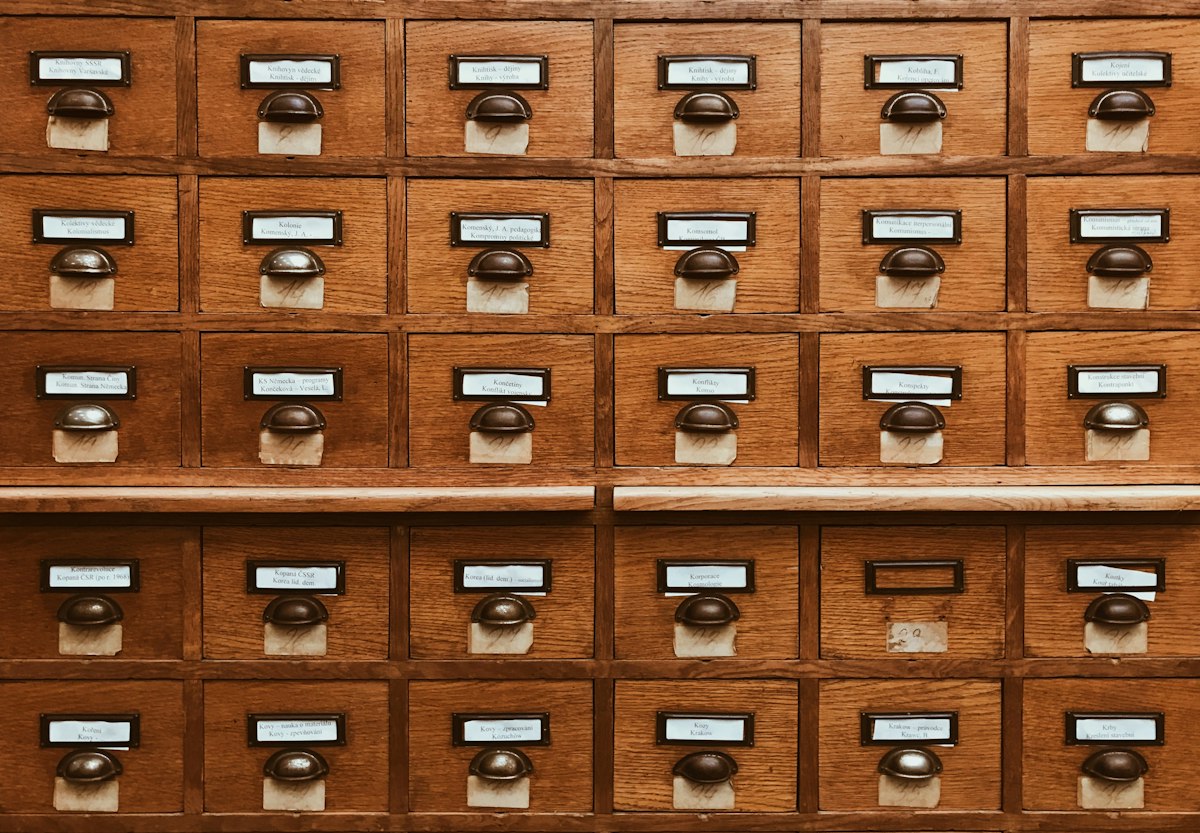
A middle ground: one database, but each tenant gets their own PostgreSQL schema (namespace). Tables are identical across schemas but completely isolated.
Setup
// Switch schema per tenant
DB::statement("SET search_path TO tenant_{$tenant->id}");
// Creating a new tenant schema
DB::statement("CREATE SCHEMA tenant_{$tenant->id}");

// Run migrations on that schema
Artisan::call('migrate', [
    '--path' => 'database/migrations/tenant',
    '--database' => 'tenant',
]);
Pros
- ✅ Strong isolation without separate databases
- ✅ Single database to manage and back up
- ✅ Easier per-tenant restores than approach 1
Cons
- ❌ PostgreSQL only — doesn’t work with MySQL
- ❌ Still complex to manage migrations across schemas
- ❌ Less common in Laravel ecosystem — fewer packages support it
Best for
Teams already on PostgreSQL who want isolation without the operational overhead of separate databases.
The Laravel Package Option: Tenancy for Laravel
If you don’t want to roll your own, Tenancy for Laravel (by Stancl) supports all three approaches out of the box:
composer require stancl/tenancy
php artisan tenancy:install
It handles tenant identification (domain, subdomain, path), database switching, and queue isolation automatically. Worth considering if multi-tenancy is central to your product.
How to Choose
| Factor | Approach 1 (Shared DB) | Approach 2 (Separate DB) | Approach 3 (Schema) |
|---|---|---|---|
| Complexity | Low | High | Medium |
| Data isolation | Medium | High | High |
| Migration ease | Easy | Hard | Medium |
| MySQL support | ✅ | ✅ | ❌ |
| Best for | Most SaaS | Enterprise | PostgreSQL teams |
| Resource usage | Efficient | Heavy | Medium |
My Recommendation
Start with Approach 1 unless you have a specific reason not to. It covers 90% of SaaS use cases, it’s the easiest to implement, and it’s what most successful Laravel SaaS products use in production.
Add global scopes to every tenant-scoped model from day one, write tests that verify tenant isolation, and you’ll be fine. If enterprise clients start requiring dedicated databases down the line, migrating to Approach 2 is possible — but cross that bridge when you reach it.
The best architecture is the one you can ship with.